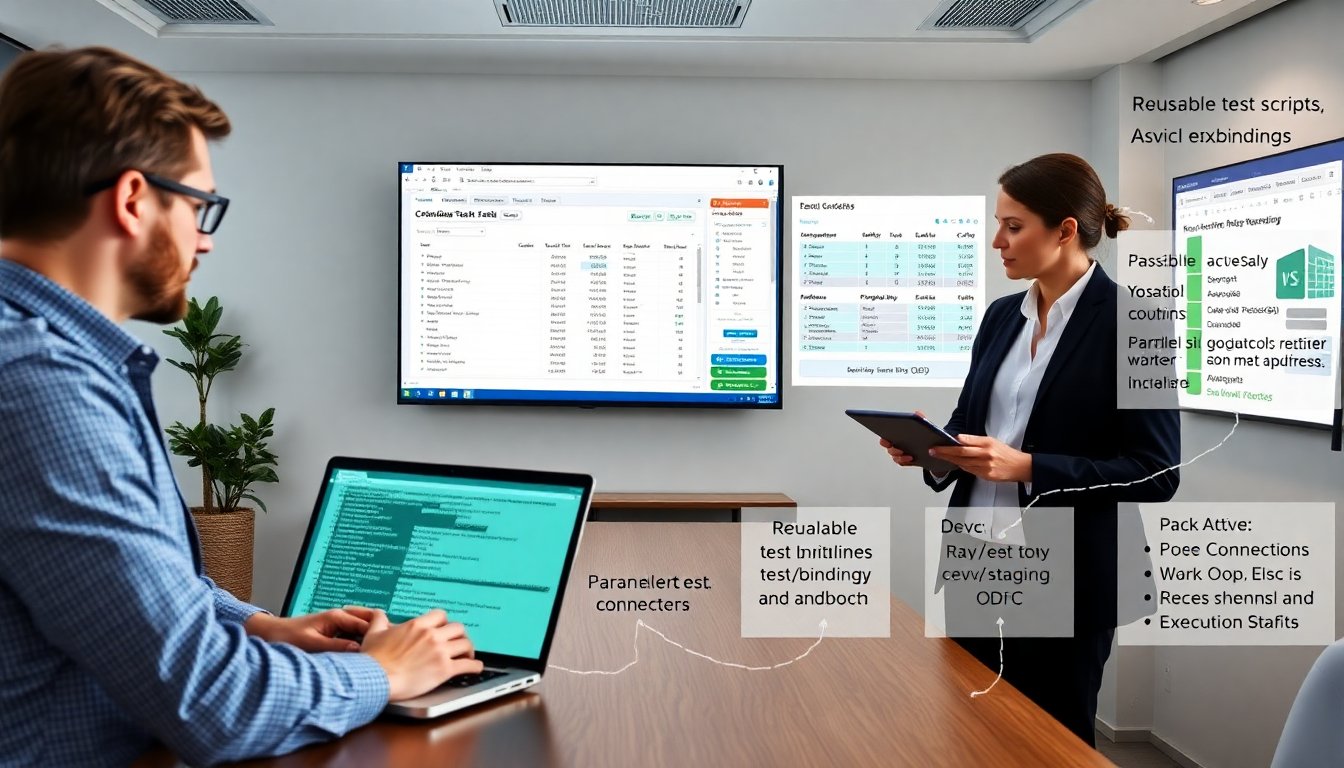
Data driven testing checkout win silkttast helps teams run repeatable checkout tests with varied inputs. The guide shows how teams pick data, wire it into SilkTest, and run reliable Windows app checkout automation. It sets clear steps, examples, and rules for stable runs. The reader gains a repeatable process to reduce false failures and speed delivery.
Key Takeaways
- Data driven testing checkout win silkttast enables teams to run repeatable, scalable checkout automation by separating data from test scripts.
- Using varied inputs like CSV, Excel, or databases allows flexible test scenarios covering valid, invalid, and edge cases without changing script logic.
- SilkTest scripts parameterized with test data improve reliability by minimizing hard-coded values and incorporating robust UI waits and assertions.
- Connecting SilkTest to external data sources via readers supports efficient iteration over test cases while maintaining secure configurations.
- Organizing data with case IDs, descriptions, and expected results enhances debugging, reduces false failures, and speeds up feedback cycles.
- Executing batch and parallel tests with environment tagging and state management ensures consistent, faster results and easier maintenance.
Why Data-Driven Testing Transforms Checkout Automation
Data driven testing checkout win silkttast reduces test duplication and increases coverage. Teams separate data from scripts and feed many scenarios into one script. This approach lets QA run valid, invalid, and boundary inputs without new code each time. It shortens test maintenance because they update data sets instead of script logic. It also reveals intermittent defects that fixed test values hide. Developers get clearer failure context because tests log input rows that fail. Managers get faster feedback because automation scales with data volume rather than the number of scripts.
Choosing And Structuring Test Data For Checkout Scenarios (CSV, Excel, DB)
Teams pick CSV for simple lists, Excel for structured sheets, and databases for large or shared sets. They design data columns for each checkout field: email, cardNumber, expiry, cvv, address, promoCode, and expectedResult. They include a caseId and a description column to aid debugging. They mark rows as active or skip to control runs. They create separate files for positive, negative, and fraud cases. They avoid sensitive live card data and use tokenized or test card numbers. They validate sample rows before full runs to catch format errors.
Creating Reusable SilkTest Test Scripts And Parameterizing Inputs
They write SilkTest scripts that accept parameters for each checkout field. The script reads one row, fills fields, submits the form, and records the outcome. They keep UI actions and assertions in functions. They pass data values to functions rather than hard-coding them. They add wait checks for controls to reduce timing failures. They design the script to return structured results: caseId, status, message, and screenshot path. They version scripts in source control and tag them with the app build to match test runs to releases.
Implementing Data Sources In SilkTest: Step-By-Step (Connection, Readers, Bindings)
They connect SilkTest to the data source using a reader layer. First, they configure a connector for CSV, Excel, or ODBC. Second, they open the file or DB connection before test execution. Third, they iterate rows with a reader API, map column names to script variables, and call the parameterized test function. They close the connection after the run. They log the bound values at start of each case. They handle parse errors by marking the row failed and continuing. They keep connection strings in secure config, not in the script.
Designing Robust Checkout Test Cases: Edge Cases, Variants, And Assertions
They add edge cases for long names, maximum address length, and unusual characters. They include variants for different shipping methods, guest versus registered checkout, and 3D Secure flows. They assert UI messages, backend response codes, and order records when possible. They verify payment provider callbacks by checking test webhooks or sandbox logs. They assert timeouts and retry behavior for transient failures. They record expectedResult in the data row and compare it to actual outcomes to decide pass or fail.
Execution Strategies: Batch Runs, Parallelization, And Environment Management
They run batch jobs for nightly full-data runs and quick subsets for pull requests. They use parallel workers to shorten wall time and pin tests to dedicated agents to reduce resource noise. They tag data rows to run in specific environments like dev, staging, or sandbox payment. They reset test accounts and clear caches between runs to keep state consistent. They scale workers based on data size and test duration. They monitor system load and throttle parallel runs when the app shows instability.
Reporting, Debugging Failures, And Best Practices For Maintainable Tests
They produce per-row reports that include caseId, data snapshot, status, error message, and screenshot link. They attach logs from the app and payment sandbox where available. They triage failures by reproducing the failing row on a local machine. They add root-cause tags like UI, timing, data, or service. They remove flaky tests by fixing waits or by adjusting the test to match stable app behavior. They run data validation checks before execution to catch malformed rows. They schedule regular data audits and archive old data sets to keep suites lean.