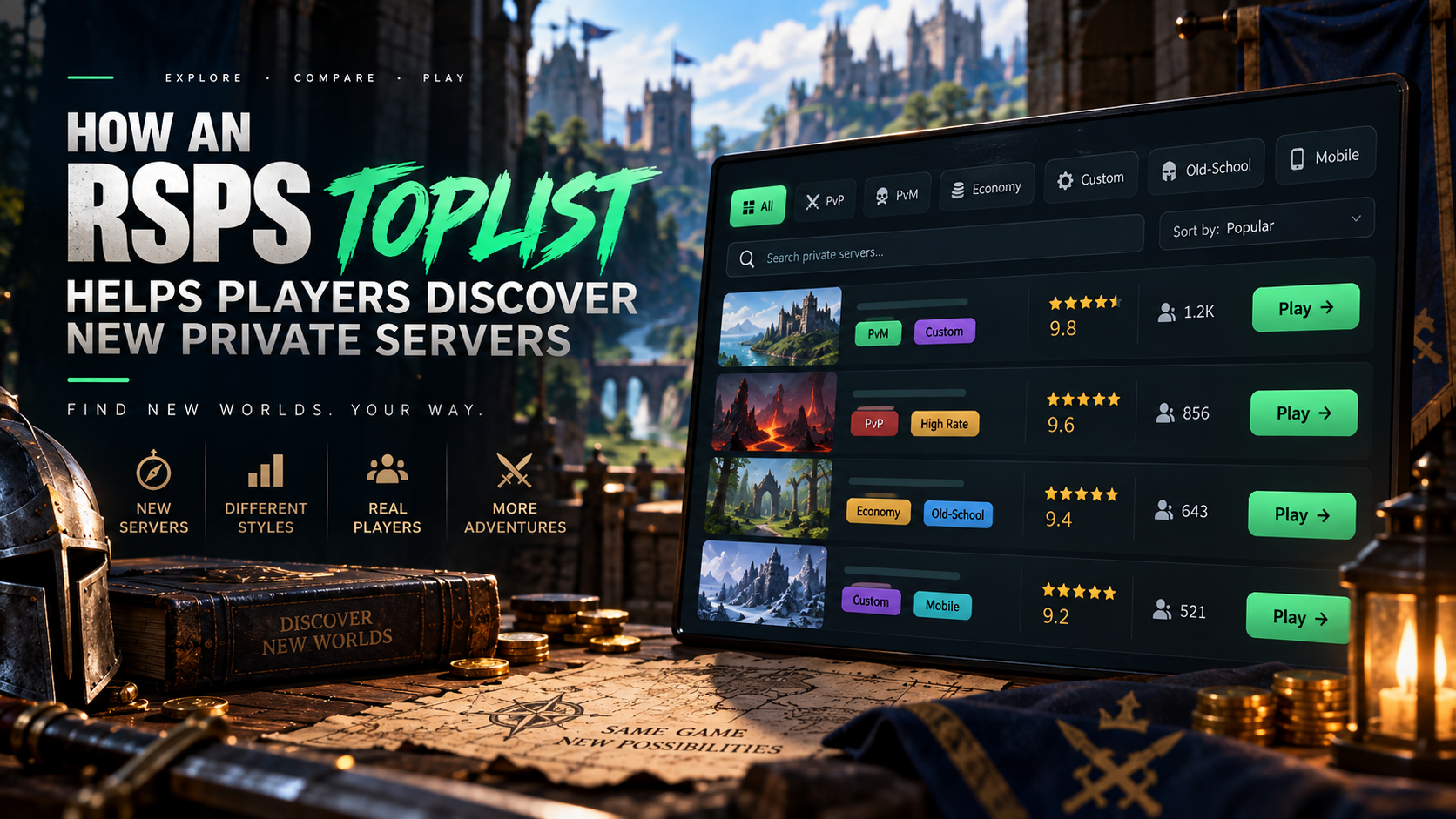
Finding a RuneScape private server is rarely difficult because there are too few options. The harder part is discovering projects you have not seen before and understanding whether they are actually new, recently relaunched, or simply new to a particular directory.
Instead of searching for server names one by one, players can use an RSPS toplist to browse multiple projects in one place and spot servers that might never appear in their usual searches. That makes a toplist especially useful when you want to find new RSPS instead of returning to the same familiar communities.
How an RSPS Toplist Changes Server Discovery
A toplist does something a regular search engine does not do particularly well: it puts unfamiliar server names in front of you before you know what to search for.
That distinction matters. If you already know the name of an RSPS, finding its website or community is easy. Discovery is different. You are looking for something without knowing exactly what it is called yet.
A directory helps by creating a browsing environment rather than forcing you to start with a specific query.
Search Results and Toplists Solve Different Problems
A normal search is useful when you already have a clear idea of what you want.
You might search for a particular server name, an old-school private server, or a mobile-compatible project. The results will usually favor pages that already have strong visibility, established websites, or a lot of existing mentions.
That can make smaller or newer projects harder to notice.
A toplist gives those projects another route to discovery.
Instead of asking, “What server name should I search for?” you can scan a broader set of listings and see what catches your attention.
This is useful because different discovery channels show different parts of the RSPS scene:
- Search engines. Good for finding known projects or pages that already rank well
- Server websites. Useful once you want detailed information about one specific project
- Discord communities. Better for seeing current conversations, events, and player activity
- Videos and streams. Helpful when you want to see gameplay in action
- Toplists. Useful for discovering multiple projects before you know which names to investigate
A player looking for new RSPS will often get more variety by combining these sources rather than relying on one of them.
The toplist works best at the beginning of that process.
It helps answer a simple question: what else is out there?
“New RSPS” Can Mean More Than a New Launch
One of the easiest mistakes to make is assuming that every unfamiliar listing represents a brand-new server.
It may not.
The phrase new RSPS can describe several different situations:
- New launch. The server itself has recently opened
- New listing. The project may already have players but has only recently appeared on that directory
- Relaunch. An older server has returned with a new version, economy, team, or progression model
- Major rebuild. An established project has changed enough that the current experience is very different from its older version
- Seasonal world. A server has launched a temporary or reset-based season
- New mode. An existing project has added a fresh Ironman, PvP, economy, or challenge mode
These differences can matter more than the word “new” itself.
A player who wants a fresh economy may care specifically about launch date and resets. Someone looking for unfamiliar content may be happy with an older server that has just introduced a major update.
This is why a toplist should be treated as the beginning of discovery, not as proof that a project has just launched.
A useful listing gives you a reason to investigate further.
What a Listing Can Tell You at a Glance
A toplist is valuable because it compresses a lot of early discovery into a small amount of information.
You may be able to see a description, category, rating, position, supported features, or other quick signals before opening the project itself.
That information can help you decide whether something deserves another click.
For example:
|
What You Notice |
What It May Suggest |
What to Verify Next |
|
A name you have never seen |
A smaller or newly listed project |
Check launch date and recent updates |
|
Relaunch wording |
An older server returning in a new form |
Find out what actually changed |
|
Seasonal language |
A temporary or reset-based experience |
Check season dates and reset rules |
|
New feature in the description |
An established server may be worth revisiting |
Confirm the feature is already live |
|
Niche tags |
A project aimed at a smaller player group |
Check whether the community is active |
|
Frequent updates to the listing |
The team may be actively promoting changes |
Compare with recent announcements |
This is much more useful for discovery than simply asking whether a server is ranked first or tenth. The position can catch your eye, but the listing itself should tell you why you might want to know more.
How to Find New RSPS Without Repeating the Same Search
The biggest advantage of a toplist is variety, but only if you use it as a discovery tool rather than automatically clicking the same type of listing every time. Players often develop habits.
They recognize familiar server names, click the highest positions, or choose descriptions that resemble projects they already know. That can make a large directory feel much smaller than it actually is.
A better approach is to deliberately look for information that is new to you.
Browse Beyond the First Few Positions
The first listings naturally receive the most attention. That does not mean the rest of the directory is irrelevant.
A smaller RSPS may sit lower because it has a newer community, serves a narrow niche, or simply has less visibility. Browsing deeper into the list can surface projects you would probably never find through your normal search habits.
This can be particularly useful when you are looking for:
- unusual game modes
- experimental progression systems
- smaller communities
- regional projects
- recently listed servers
- servers built around a narrow RuneScape era
- projects with a specific custom concept
The point is not to avoid highly ranked servers. It is to avoid assuming that ranking position and discovery value are the same thing. A toplist becomes much more useful when you treat the whole page as a pool of possibilities.
Watch for Changes Between Visits
Server discovery is not a one-time process. The RSPS scene changes as projects launch, close, relaunch, add new modes, or update their positioning. That means a toplist can look different when you return later.
Checking periodically can reveal:
- newly added listings
- servers moving into more visible positions
- updated descriptions
- new seasonal projects
- changed gameplay categories
- projects returning after a relaunch
This makes toplists more useful than a static article published once and never updated. A “best servers” post may reflect one moment. A live directory can expose changes as the scene develops. For players who actively enjoy trying new RSPS, that difference matters. You are not only looking for the strongest established projects. You are also looking for movement.
Look for Listings That Explain What Is Actually New
Promotional language appears everywhere in gaming. Words such as unique, fresh, next-generation, or new experience do not tell you much by themselves.
A useful listing gives you something concrete.
Compare:
Generic:
“Fresh RSPS with unique content and an amazing community.”
More useful:
“Recently launched economy server with a seasonal progression system, three custom raids, and cross-platform access.”
The second description gives you several things to investigate.
When browsing for new RSPS, useful descriptions may mention:
- a recent launch or relaunch
- a new season
- a specific custom system
- a newly added client
- a new game mode
- fresh economy details
- recently introduced raids or bosses
- a major progression rebuild
These details help separate a genuinely changed project from one using “new” as general marketing language.
Use Tags as Discovery Shortcuts
Tags and categories are useful because they help you notice servers outside your usual search pattern.
You may open a toplist looking for old-school gameplay and notice a seasonal economy project. Or you may start with PvM and discover a smaller Ironman-focused server.
That kind of accidental discovery is one of the strongest reasons to browse a list instead of searching for a very narrow phrase.
Tags can also help you spot patterns across multiple listings. If several RSPS projects suddenly mention mobile support, seasonal progression, or a particular style of custom PvM, that may suggest a wider trend in what developers are currently building.
The list then becomes useful for more than finding one server. It also gives you a quick view of where the private-server scene is moving.
Look for Niche Projects, Not Only Big Ones
Large projects are easier to discover because more people talk about them. Niche servers can be harder to find even when they offer something very specific.
A toplist may expose projects centered around:
- a particular RuneScape revision
- restricted-account modes
- skill-focused progression
- PvP-only gameplay
- fresh-start economies
- custom raid progression
- small community events
- seasonal competition
These projects may never dominate broad search results because their potential audience is smaller.
For the right player, that is exactly what makes them interesting.
Discovery is not always about finding the largest option. Sometimes it is about finding the one project built around an idea you did not know existed.
Separate Discovery Signals From Quality Signals
This distinction is important. Something can be interesting enough to discover without being proven to be a good long-term server. A new listing, unusual description, or niche concept may earn your attention. That is only the first step.
Discovery signals include:
- unfamiliar server name
- recently changed listing
- launch or relaunch language
- unusual game mode
- new seasonal project
- distinctive feature combination
Quality signals come later and require more investigation. Those may include current updates, stable gameplay, active players, clear communication, or a well-maintained client.
Keeping these two stages separate prevents one interesting listing from turning into an automatic recommendation. A toplist should help you discover. It should not make the final judgment for you.
What a Toplist Cannot Tell You
Even a detailed RSPS toplist has limits. A short listing cannot fully explain what it feels like to play a server for several days or weeks.
It may not tell you:
- whether the combat feels responsive
- how friendly or competitive the community is
- whether the client performs well on your device
- how active the server is during your normal play hours
- whether the economy stays interesting after the early game
- how often bugs appear
- whether the development team communicates well
- how quickly new content becomes repetitive
Those questions require a closer look.
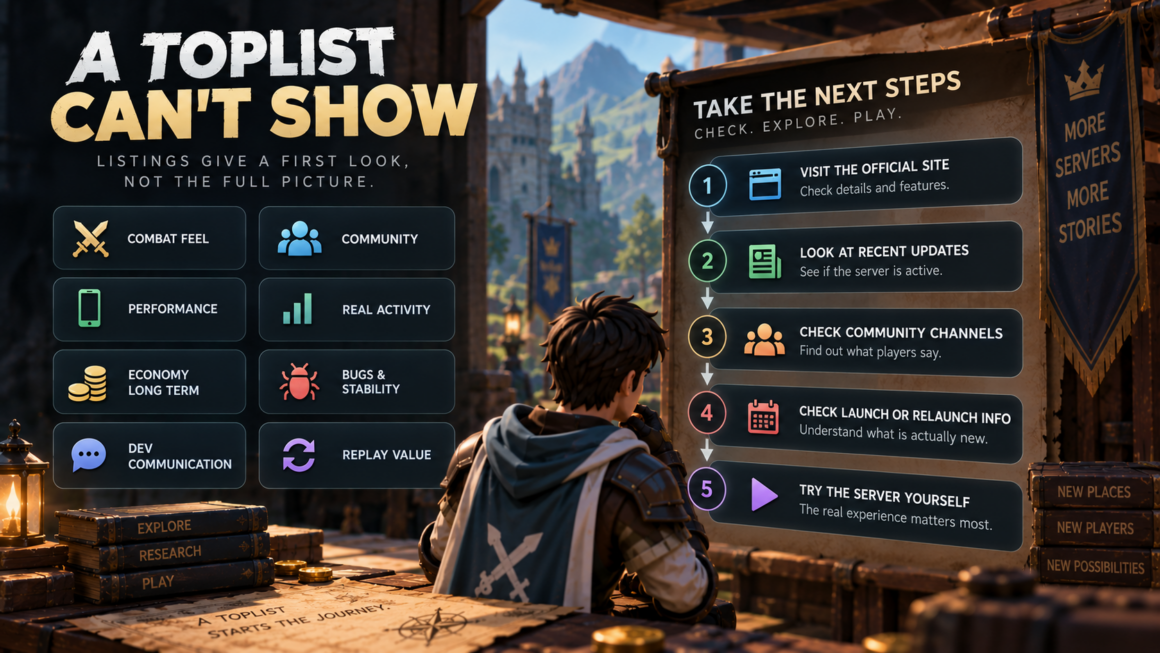
Once a server catches your attention, continue the research elsewhere.
A simple follow-up process works well:
- Open the official site. Check whether the listing matches the current server description.
- Look at recent updates. Confirm that the project is still actively maintained.
- Check community channels. See what players are discussing right now.
- Look for launch or relaunch details. Verify whether “new” refers to the actual server, a listing, or a recent update.
- Try the server yourself. Short descriptions cannot replace the real experience.
The role of a toplist ends before all of those questions are answered. Its job is to put the server on your radar.
Final Takeaway
An RSPS toplist is most useful when you treat it as a discovery engine rather than a final ranking. It can expose unfamiliar names, newly listed projects, relaunches, seasonal worlds, niche servers, and major updates that may never appear in your normal searches. The strongest advantage is breadth.
Instead of searching only for what you already know, you can browse what is currently being listed and notice projects you would not have thought to search for by name.
That is especially useful for players who regularly look for new RSPS. Browse beyond the first positions, pay attention to what has changed, look for specific descriptions, and separate “interesting enough to investigate” from “proven to be worth playing.”
A toplist cannot answer every question about a server, but it can make the first stage of discovery far less random.
FAQ About RSPS Toplists and New Private Servers
Does a New Listing Always Mean a New RSPS?
No. A server may already have an established community and only recently appear on a particular toplist. Check the project’s own site or announcements if the launch date matters to you.
How Often Should I Check an RSPS Toplist for New Servers?
There is no fixed schedule, but checking again from time to time can reveal new listings, relaunches, seasonal projects, and updated server descriptions that were not there during your previous visit.
Can a Toplist Help Me Find Smaller RSPS Projects?
Yes. One of the main benefits of browsing beyond familiar names is the chance to find niche or smaller projects that may receive less visibility in regular search results.
Why Might an Older RSPS Look New Again?
A project may relaunch, reset its economy, introduce a new season, rebuild progression, add a new client, or release a major content update. In those cases, the current experience may differ significantly from what older players remember.
Should I Only Look at the Highest-Ranked Servers?
No. Ranking can help organize a list, but lower positions may contain newer, smaller, or more specialized projects. Browse broadly if discovery is your main goal.
What Information Is Most Useful in a New RSPS Listing?
Specific information is more useful than generic promotional claims. Look for launch or relaunch details, new modes, seasonal systems, custom features, client support, or recent content changes.
How Can I Tell if a Server Is Actually Active?
Use the toplist for initial discovery, then check recent announcements, update notes, community discussions, and the project’s own channels. A listing alone may not show the full picture.
Can an RSPS Toplist Replace Reviews or Community Research?
No. It is better used as the first step. A toplist helps you discover projects, while reviews, communities, official updates, and your own gameplay experience provide more detail afterward.